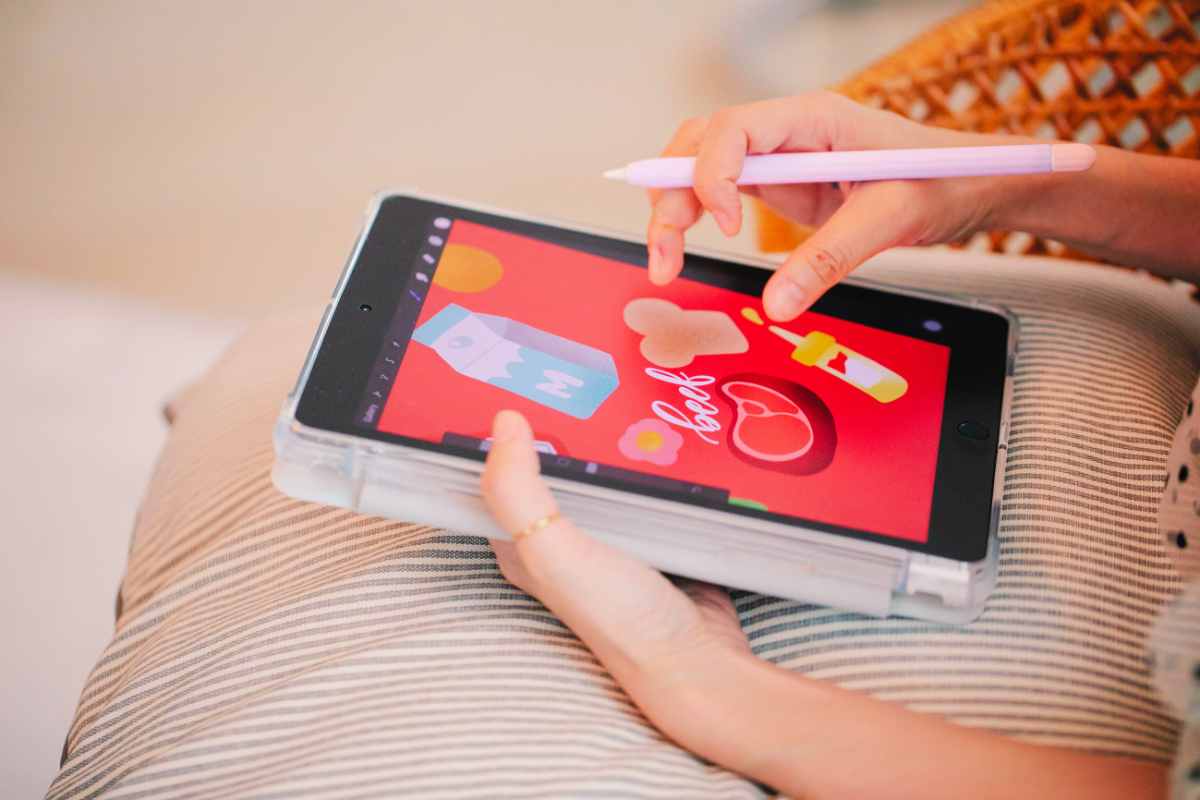
Okay, so you’ve been scrolling Etsy and noticed that digital stickers are EVERYWHERE right now, right? Planner girlies, journal lovers, iPad doodlers… everyone’s obsessed. And honestly? I get it. Because here’s the best part: you don’t need a printer, you don’t need packaging, you don’t need to make a single trip to the post office. Just a cute design, a solid listing, and a bit of strategy, and boom — you’ve got yourself a shop.
In this guide, I’m going to walk you through literally everything you need to start selling digital stickers on Etsy, from picking your niche to writing a listing that actually gets seen (because let’s be real, a gorgeous sticker sheet that nobody finds is just… sad). Grab your coffee or your matcha, this is a real deep dive (about 10 minutes), but trust me, it’ll save you SO much trial and error.
Popular Digital Sticker Styles Right Now
Before you even open Procreate or Canva, let’s talk about what’s actually selling right now, because trends matter here:
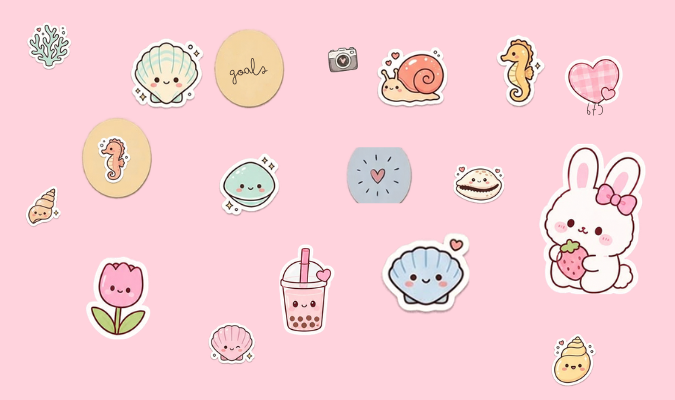
- Kawaii / Cute — big eyes, soft shapes, adorable little characters
- Minimalist / Aesthetic — clean lines, muted tones, simple icons
- Boho — earthy colors, florals, moon phases, dreamcatchers
- Retro / Vintage — 70s color palettes, groovy fonts, total nostalgia
- Y2K — chrome, butterflies, all that early-2000s energy
- Pastel — soft, dreamy colors on basically anything
- Line Art / Doodle — simple, sketchy, black-and-white vibes
- Watercolor — painterly textures, soft blended colors
- Cottagecore — mushrooms, cozy cottages, herbs, countryside charm
- Dark Academia — moody tones, books, candles, that vintage-scholar feel
- Grunge / Edgy — distressed textures, bold graphics, alt aesthetics
- Whimsical / Fairycore — fairies, sparkles, magical forest energy
- Tropical / Botanical — palm leaves, flowers, lush greenery
- Zodiac / Celestial — star signs, moons, constellations
- Cartoon / Character-based — your own little mascots or recurring characters
- Handlettered / Typography — cute quotes in custom lettering
You definitely don’t need to do ALL of these (please don’t, you’ll burn out). Just pick one or two styles that genuinely make you excited to create — it’ll show in the quality, and honestly, it’ll make the whole thing so much more fun to keep up with.
Why Digital Stickers Instead Of Paper Ones?
Quick but important note: this guide is 100% about digital stickers, not the printed, physical kind. And honestly, there’s a really good reason for that.
With digital stickers, there’s zero printing, zero die-cutting, zero boxes of inventory taking over your closet, and zero shipping headaches. You design it once, and it can sell over and over and over again without you doing a single thing after you hit upload. That means way better profit margins, no stressing about running out of stock, and customers can buy from literally anywhere in the world, instantly. Basically, if you’re just starting out, this is one of the easiest, lowest-risk ways to open an Etsy shop. No brainer.
Understanding Etsy SEO (Do This Before You List Anything!)
Okay, real talk: even the cutest sticker sheet in the world won’t sell a single copy if nobody can find it. That’s where Etsy SEO (Search Engine Optimization, fancy term, simple concept) comes in — it’s basically how Etsy decides who to show your listing to.
Here’s what Etsy’s algorithm really cares about:
- Titles — pack them with the exact words buyers are typing in (“Cute Cat Digital Stickers, Kawaii GoodNotes Stickers, Digital Planner Stickers”)
- Tags — you get 13, use every single one, and go specific rather than generic
- Descriptions — your first 1-2 sentences matter the most, so slide your keywords in naturally right away
- Categories & attributes — fill these ALL the way out, it helps Etsy actually understand what you’re selling
- Photos/thumbnails — not technically SEO, but a scroll-stopping thumbnail = more clicks = better ranking
Easy trick for finding keywords: type something broad like “digital stickers” into Etsy’s search bar and see what pops up in autocomplete. That’s literally what real people are searching for. Free research, use it.
Step-By-Step: How To Sell Digital Stickers On Etsy
Step 1: Pick Your Niche And Style
Choose a theme you’ll actually want to keep creating for. People tend to browse your whole shop, not just one listing, so having a cohesive vibe (colors, line style, mood) makes you look way more professional and gets people coming back for more.
Step 2: Design Your Stickers
You’ve got options here, no need for fancy expensive software:
- Procreate (iPad) — perfect for hand-drawn, painterly styles
- Canva — super beginner-friendly, great for clean/minimalist stuff
- Adobe Illustrator — ideal if you want crisp vector stickers that scale perfectly
Design on a transparent background (PNG!), and keep each sticker on its own layer so exporting them individually later is easy peasy.
Step 3: Format Your Files The Right Way
Most people buying digital stickers use apps like GoodNotes or Notability to “peel” and drop them into their planners. So you’ll want to include:
- A PNG sheet with a transparent background (for general use)
- A pre-cropped PDF already set up to peel in GoodNotes/Notability (this one’s a MUST, buyers love it)
- Bonus points: individual PNG files for each sticker
Step 4: Set Up Your Etsy Shop
If you haven’t already, go create your seller account, pick a shop name you love, set your language/currency, and fill in your shop policies. This builds trust before a buyer even looks at your products, so don’t skip it!
Step 5: Write Your Listing (SEO Time!)
This is where everything you just learned comes together:
- Write a keyword-packed title, most important words up front
- Add thumbnails that actually catch the eye (show the stickers mocked up in a digital planner, this helps SO much)
- Fill out every single one of your 13 tags
- Write a clear, friendly description covering what’s included and how to use it
- Set your price (most digital stickers go for around $2-$8 depending on how big/detailed the sheet is)
Step 6: Upload Your Files
Etsy lets you attach your digital files right to the listing, and they get delivered to buyers automatically the second they purchase. Zero manual work for you, love that for us.
Step 7: Get The Word Out
Once you’re live, share it everywhere! Pinterest is honestly HUGE for digital products (pins keep resurfacing for months, sometimes years), and Instagram or TikTok can help too if you enjoy that kind of content.
Step 8: Watch, Tweak, Grow
Keep an eye on your shop stats. If one style is getting way more views or favorites than the others, that’s your sign to lean into it and make more. Etsy also tends to favor shops that stay active, so adding new listings regularly is a genuinely good habit to build.
Final Thoughts
Selling digital stickers on Etsy might honestly be one of the easiest ways to start your own little online shop — no overhead, no shipping stress, and once your listings are set up right, it can basically work while you sleep. The real secret? Pick a style you genuinely love, learn your Etsy SEO, and stay consistent. Start small with a few really solid listings, see what your audience loves, and grow from there. You’ve got this!